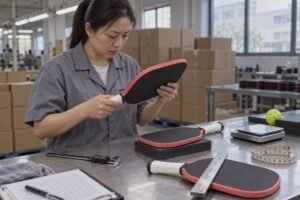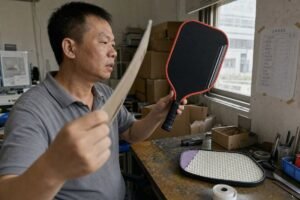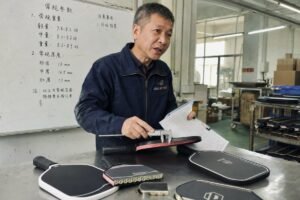
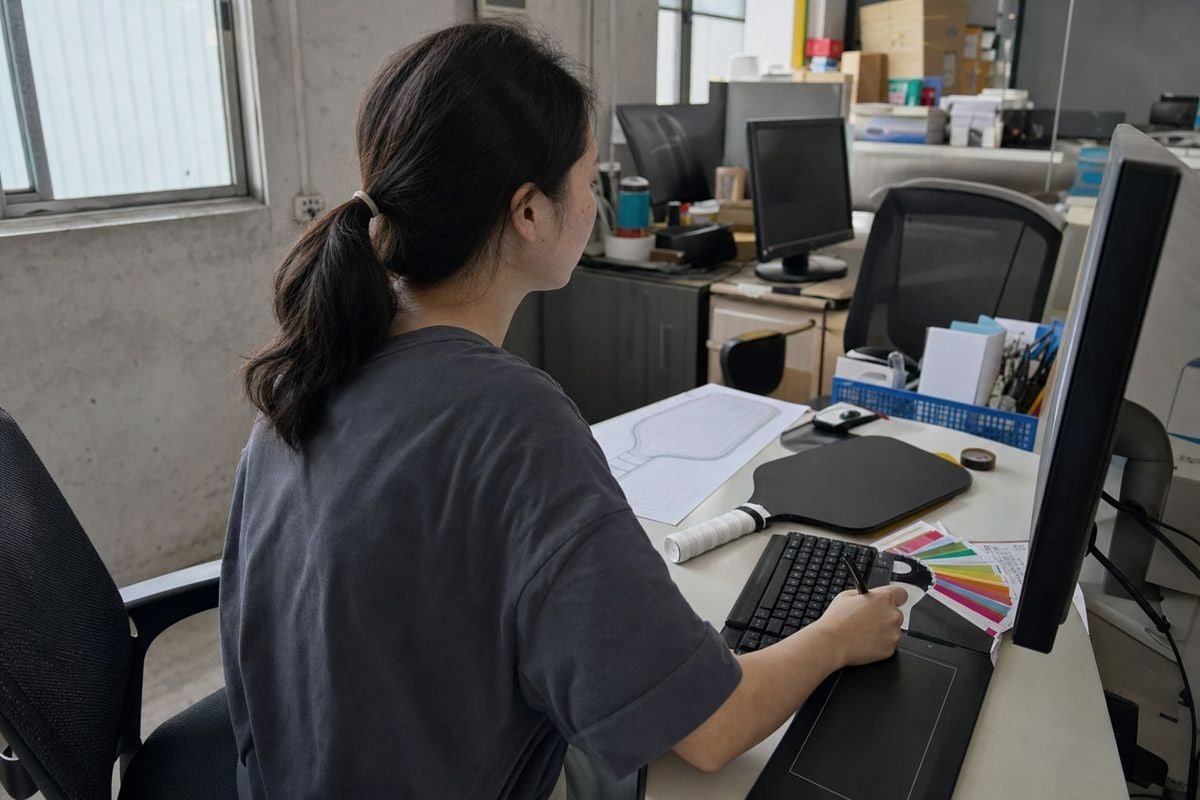
Custom pickleball paddle artwork fails most often at the file stage. On our production line in Dongguan, blurry logos are the number one delay I see — and it hurts.
Custom pickleball paddle artwork should be supplied as an editable vector file — AI, PSD, or SVG — prepared in CMYK color mode. If only a raster image exists, provide a high-resolution file at 300 DPI or larger than 2500 × 3300 pixels.
That is the short answer. Below, I will walk you through file prep, resolution benchmarks, accepted formats, and the mistakes that ruin prints.
How do I prepare my logo file for custom pickleball paddle printing?
Last month, a brand owner from the Philippines sent our team a logo pulled from her Facebook page. It looked fine on a phone. On a 16mm paddle face, it printed soft and fuzzy.
Prepare your logo as an editable vector or high-definition file in AI, PSD, or SVG format, set the document to a CMYK color profile, convert all text to outlines, and place the design inside the supplier's paddle design template before submitting.
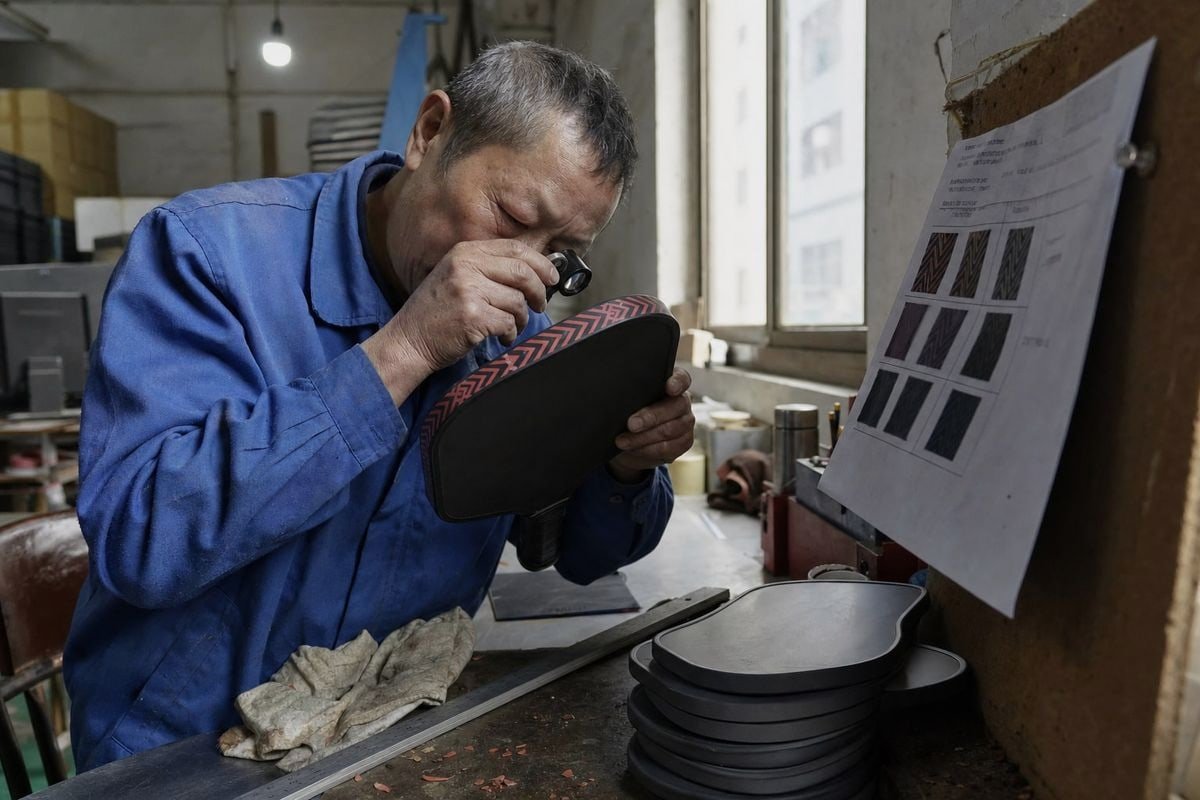
At our factory, every artwork file goes through a pre-press check before it touches a paddle. The rule we enforce is simple, and it comes straight from our own workflow: all logo files must be in CMYK format, and the file itself must be AI, PSD, or SVG 1 — an editable high-definition image or a true vector graphic. Files that fail this check go back to the customer. That round trip costs days. So let me help you pass the check on the first try.
Step-by-step logo preparation
- Start from the source file. Ask your designer for the original Adobe Illustrator AI or PSD file, not an exported JPG.
- Confirm it is vector or editable. Zoom in to 800%. Vector graphics 2 stay razor sharp. Pixels mean it is raster.
- Switch the color mode to CMYK. Screens display RGB, but UV digital printing 3 and heat-transfer presses run on process inks. RGB files shift color when converted at the last minute.
- Convert fonts to outlines or paths. If our pre-press computer does not have your font installed, the software substitutes another one. Outlined text prevents that silently ugly surprise.
- Place the design in the paddle design template. We supply templates with bleed and safe zones marked. Artwork must extend 3mm past the edge and keep critical text inside the safe area.
- Name the file clearly. Include your brand name and the version number. It sounds trivial. It saves confusion when revisions start flying over WhatsApp.
Why editability matters so much
An editable file lets our technical team adjust one element — say, nudge a logo away from the edge guard — without redrawing anything. A flattened JPG forces us to either reject the file or rebuild the art, and rebuilding introduces approval delays. In our experience exporting to the United States, Canada, and Southeast Asia, the projects that ship fastest are always the ones where the customer sent editable AI or SVG files on day one.
What resolution do I need to ensure my paddle artwork prints clearly?
One trade-off I weigh constantly in pre-press: reject a borderline file and delay the order, or print it and risk a soft result. Resolution is what decides which way I lean.
Raster paddle artwork needs a minimum of 300 DPI at the final print size, and ideally pixel dimensions above 2500 × 3300 pixels. Vector graphics have no resolution limit, which is why AI and SVG files are always the safer choice.
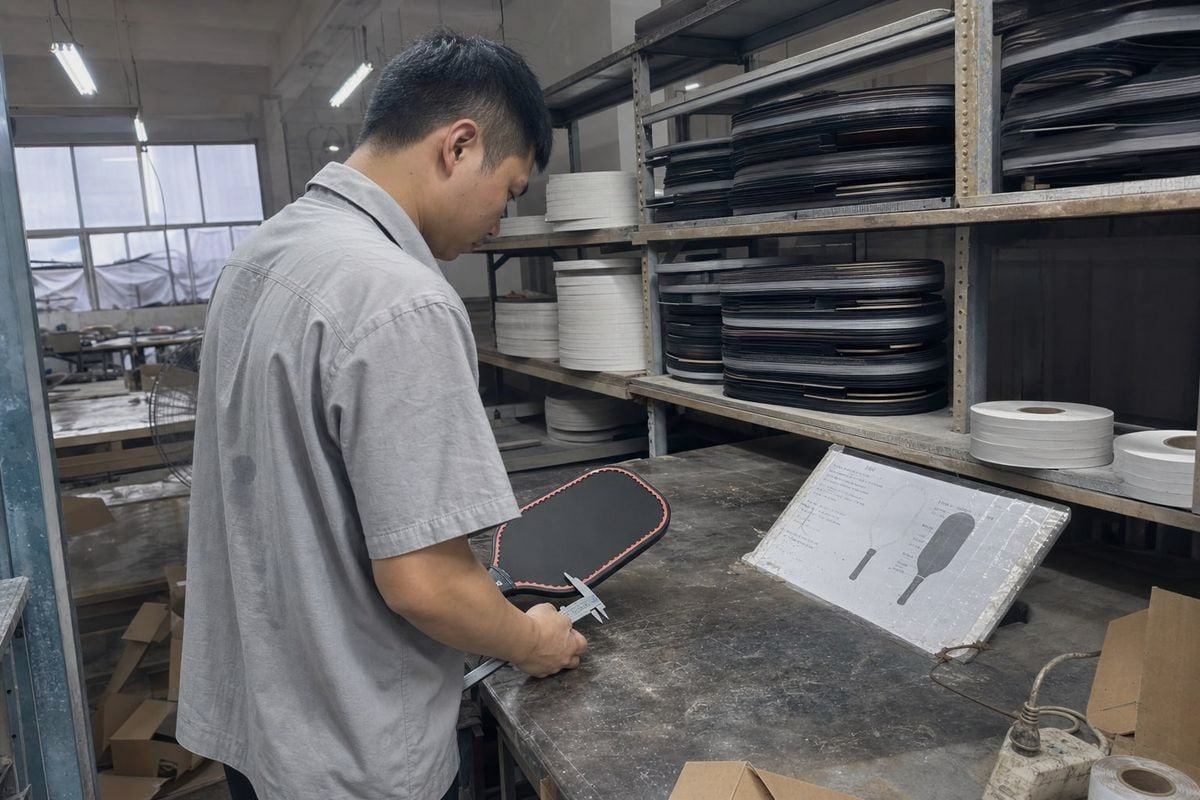
Resolution only matters for raster files. That single sentence clears up most of the confusion I see from buyers. A vector file — built from mathematical paths, not pixels — scales from a business card to a billboard without losing a single edge. So if you send us an Adobe Illustrator AI file or an SVG, resolution is a non-issue. The question only becomes serious when your artwork includes photographs, textures, or a logo that exists only as a bitmap.
DPI vs. PPI — the same practical rule
Buyers often ask me about DPI versus PPI. Technically, DPI describes printer dots and PPI describes image pixels. Practically, for paddle artwork, treat them as the same benchmark: supply enough pixel density that the file measures 300 or more at the actual printed size. A 1000-pixel-wide logo printed at 3 inches wide gives you roughly 333 DPI — fine. The same file stretched across a full 8-inch paddle face drops below 125 DPI — visibly soft.
Resolution benchmarks we use in pre-press
| Artwork situation | Minimum standard | Our recommendation |
|---|---|---|
| Vector file (AI, SVG, EPS, PDF) | No resolution needed | Always preferred |
| Raster logo on part of the paddle face | 300 DPI at print size | 300–600 DPI |
| Full-face bitmap graphic | 2500 × 3300 px | 2542 × 3585 px or larger |
| Photographic background | 300 DPI at print size | Largest original file available |
| Web screenshot or social-media image | Rejected | Request the source file instead |
One more nuance. Some suppliers advertise that they accept high-resolution JPG or even BMP files. Acceptable is not the same as ideal. JPG compression 5 adds artifacts around sharp edges and small text, which is exactly where paddle logos live. If your design includes fine lines or lettering under 8pt, a raster file — even at 300 DPI — can blur or drop detail. That is when vector stops being a preference and becomes a requirement.
Which file formats does ShuEn Pickleball accept for custom paddle designs?
A distributor in Australia once emailed us seven different versions of the same logo, asking which one we needed. It was a fair question — format requirements vary across the industry, and I want to make ours crystal clear.
ShuEn Pickleball accepts AI, PSD, and SVG files for custom paddle artwork. Files must be editable high-definition images or true vector graphics, prepared in CMYK color mode. Flattened, low-resolution, or web-quality files are not accepted for production.
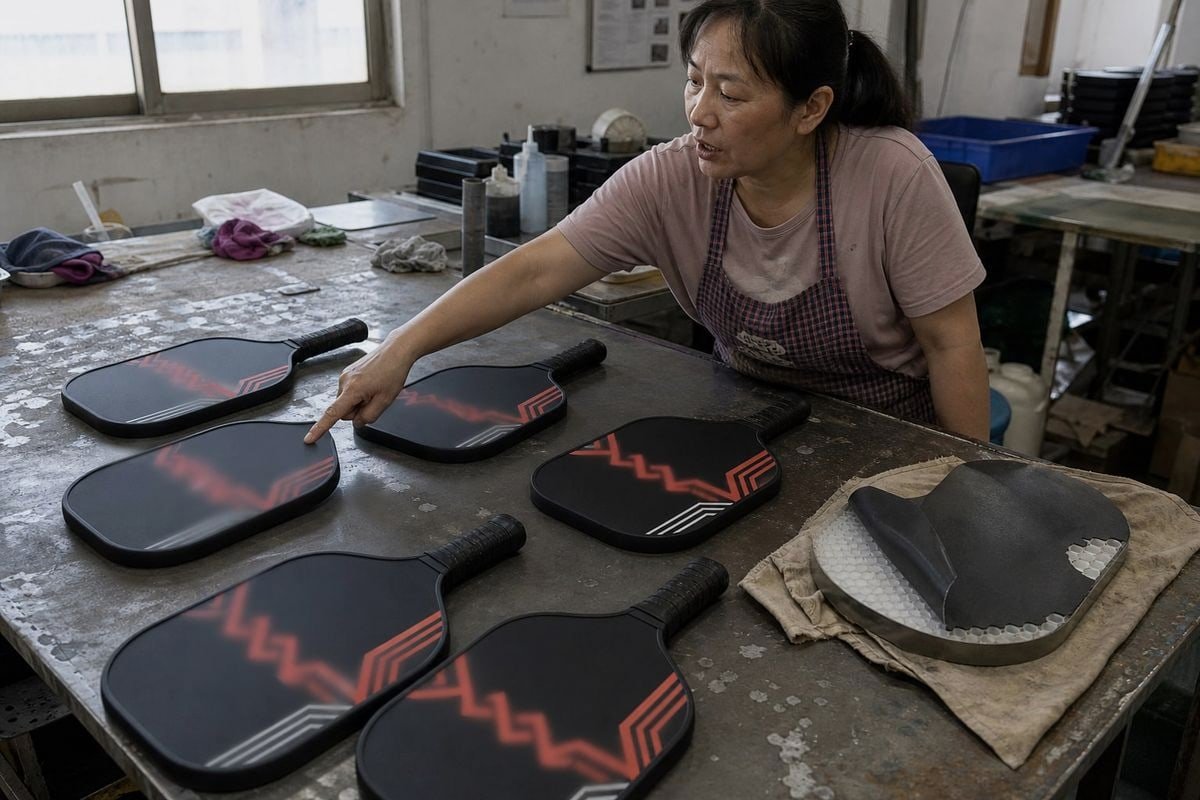
When we developed our OEM artwork workflow, our technical team of ten tested which formats moved cleanly through every stage — proofing, color separation, UV digital printing, and heat sublimation. Three formats survived every test: AI, PSD, and SVG. Here is how each one fits, and why some popular formats did not make the list.
Format-by-format breakdown
| Format | Type | Editable? | Best used for | Our verdict |
|---|---|---|---|---|
| AI (Adobe Illustrator) | Vector | Yes | Logos, text, full paddle layouts | Preferred |
| SVG | Vector | Yes | Logos, line art, online uploads | Preferred |
| PSD (Photoshop) | Raster, layered | Yes | Photo-based or textured designs | Accepted at 300 DPI+ |
| Vector or mixed | Sometimes | Proofing, template exchange | Case-by-case; ask us first | |
| High-resolution PNG | Raster, flattened | No | Reference only | Not for production |
| JPG / screenshots | Raster, compressed | No | Nothing print-related | Rejected |
Why we insist on editable files
Every custom paddle order at our Qiaotou facility starts with the artwork being placed into our paddle design template. The template maps the printable face, the bleed and safe zones, and the area covered by the edge guard. An editable AI or SVG file drops into that template cleanly. A layered PSD lets us adjust individual elements. A flattened PNG, by contrast, locks everything in place — if the logo sits 2mm too close to the trim, we cannot fix it without going back to you.
Color accuracy is the second reason. Our brand customers often need Pantone color matching 6 so their paddle graphics match their apparel and packaging. Editable vector files carry named swatches we can match precisely. Flattened raster files force us to sample colors by eye, which invites drift between production runs. Since every paddle we ship must also meet USAPA compliance standards 7 for surface finish, we keep the artwork stage tightly controlled so nothing at print risks the paddle's certification.
How can I avoid blurry or low-quality prints on my custom pickleball paddle?
The most expensive lesson I ever learned in pre-press came early: we once approved a borderline 150 DPI file under deadline pressure. The customer accepted the sample, but I never forgot how muddy that logo looked next to a proper vector print.
Avoid blurry paddle prints by supplying vector artwork whenever possible, never enlarging small raster images, keeping fine text in vector form, using CMYK from the start, matching the supplier's template exactly, and reviewing a physical or digital proof before mass production.
Blurry prints are almost never a printing-machine problem. Modern UV digital printing and sublimation lines reproduce whatever they are given with brutal honesty. Garbage in, garbage out. So quality control starts with your file, and the checklist below is the same one our pre-press team runs on every order before it moves to production.
The seven mistakes that cause bad paddle prints
- Sending screenshots or web downloads. These are typically 72 DPI and compressed. They cannot be rescued.
- Upscaling a small logo. Enlarging pixels creates blur, not detail. Always go back to the source file.
- Designing in RGB. Colors shift during CMYK conversion — bright greens and blues suffer most. Set the CMYK color profile before you design, not after.
- Ignoring bleed and safe zones. Artwork that stops exactly at the paddle edge risks white slivers after cutting. Extend backgrounds 3mm past the dieline.
- Leaving fonts live. Un-outlined text can substitute or reflow on our systems. Convert everything to paths.
- Overloading the design. A paddle face is a small canvas. Clean, simple artwork with strong contrast reproduces better than busy, highly detailed graphics.
- Skipping the proof. We always send a digital proof, and for new brand customers we recommend a physical sample. Approving it takes a day. Skipping it can cost a whole production run.
A quick decision rule
If you remember nothing else, remember this: use vector if you can; if not, use a 300 DPI+ raster file at the largest pixel dimensions you have, in CMYK, placed in the template. For small text and fine lines, vector graphics are not optional — raster versions will soften or drop that detail. And when your designer exports from Canva, Photoshop, or Illustrator, always choose the editable AI, PSD, or SVG option over a quick JPG export. Ten extra seconds at export saves ten days of back-and-forth.
Conclusion
Bad files cause delays, blurry logos, and wasted samples. The fix is simple: editable AI, PSD, or SVG in CMYK, 300 DPI+ for rasters, matched to our template.
Footnotes
1. Official documentation for the SVG format accepted for paddle artwork. ↩︎
2. Background concept clarifying why vector files scale without resolution loss. ↩︎
3. Background on the printing technology used in the paddle production process. ↩︎
4. Explains the process-ink color model referenced repeatedly for print preparation. ↩︎
5. Explains why compressed raster formats introduce artifacts unsuitable for fine print detail. ↩︎
6. Explains the standardized color matching system referenced for brand consistency. ↩︎
7. Official governing body reference for paddle equipment certification standards mentioned. ↩︎